Eons ago, Reolink sent us their Argus 2 Battery & Solar Powered Security Camera to test out – and that we did. It fit the bill extremely well for its intended purpose, so when we were in the market for a new video doorbell to replace our standard one, we decided to go out on a limb and buy a Reolink Battery Video Doorbell (Gen 1) on our own dime.
I will say for full disclosure that the first gen video doorbell we grabbed ended up being only partially useful after 2-3 years of heavy onslaughts of rain. The humidity became trapped and over time we were able to see less and less through the camera. So after years of putting it off, we reached out to Reolink and they sent us their new 2nd Gen Doorbell to review.
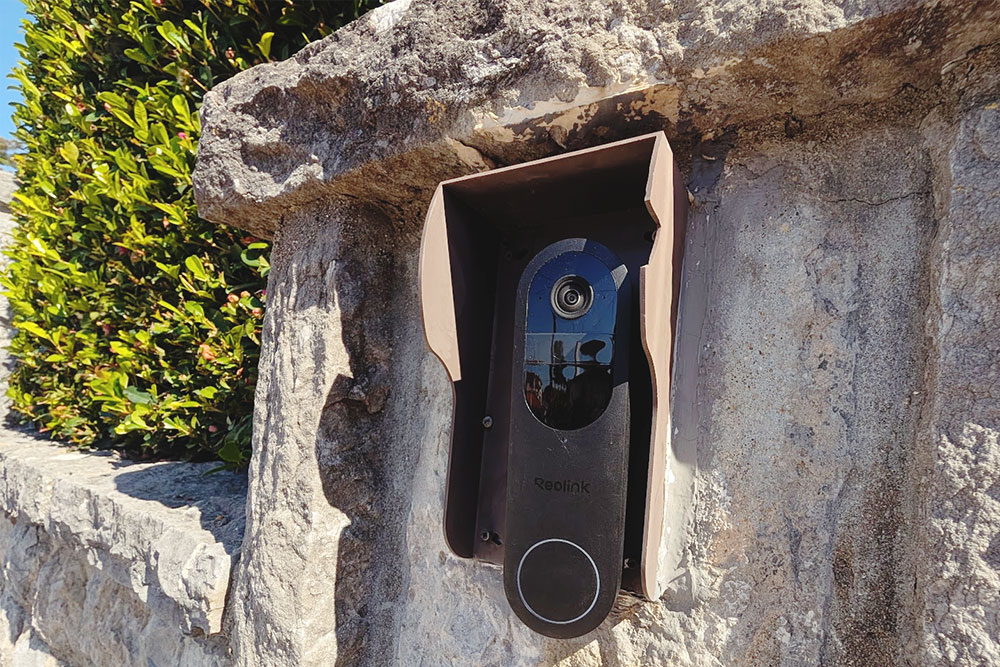
On first look (just after that the new doorbell was installed), I already felt this was a massive upgrade to the 1st Gen Reolink Video Doorbell.
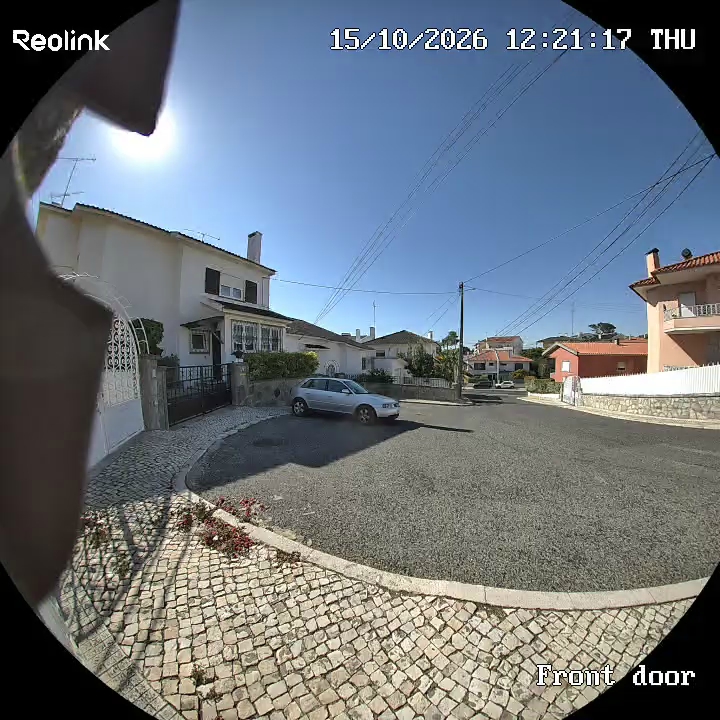
The camera angle being so wide is a massive home run, no question about it. I used to be able to see what was in front of our gate of course, but very little of the sidewalk and our entire neighbour’s gate was not visible before. Now I can see most of the goings-on around the cul-de-sac in front of our house.
Here’s a few shots from the old one (the Reolink Doorbell 1st Gen) for comparison, so you can see the angle as well as what happened to the camera’s view over time for yourself:
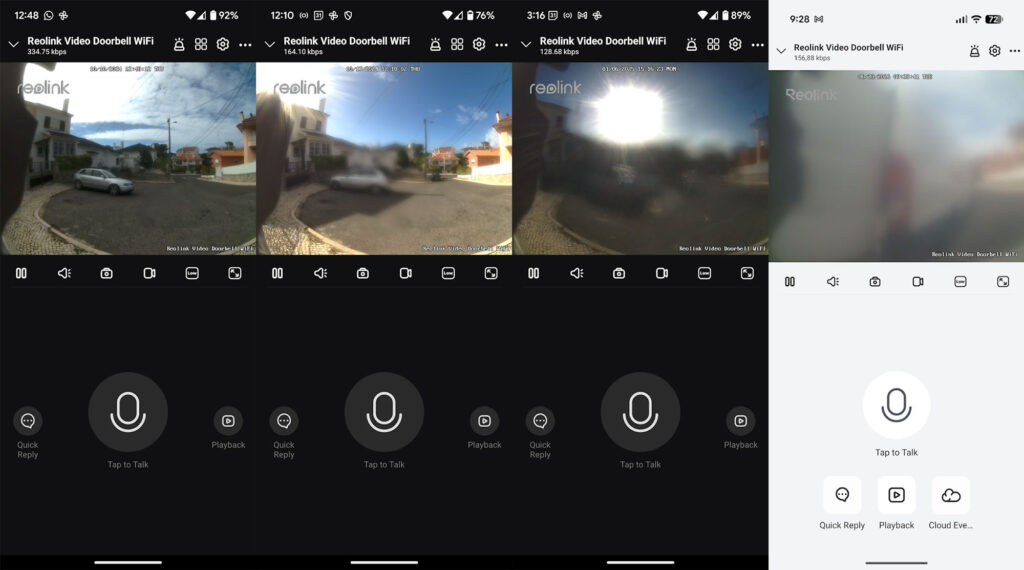
You can see from the timestamps that this issue with the fogging up clearly happened over a matter of years, so even with regards to longevity, our old Reolink 1st Gen doorbell wasn’t too bad.
Initially (I would say after the first year or two with us), the view was only foggy for a few hours after it rained, then would clear up the next day.
Over time, the view became more and more foggy, less and less clear when it “recovered” from a rain, and by the end, while we could tell if someone was there and could definitely still see out of the camera enough to know what was going on, it was foggy enough that we decided it was time to reach out and tell Reolink about it, which is when they offered us this new model of theirs to review.
I guess it worked out for the best since the new camera feels like a significant enough upgrade to the old one. That being said, you can potentially see why we put off grabbing a new video doorbell one for so long – as the 1st Gen doorbell was still usable, just in no way optimal, especially by the end.
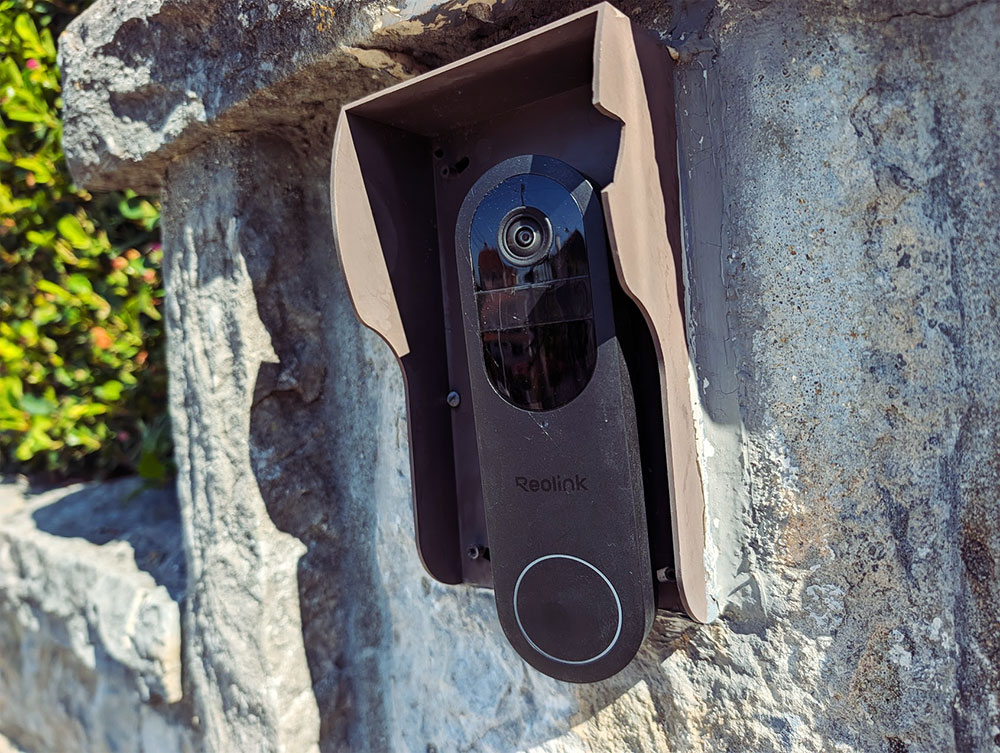
I’m crossing my fingers we won’t face another casualty to the crazy downpours of rain we often get, but so far so good. I waited a some time before posting this review to get a little wear on the doorbell to see how it fared and while it has a good chunk of scratches on it already, in terms of usability and lack of fogginess in the video display, it’s holding up well albeit a number of heavy downpours of rain and the humidity starting to increase considering it’s now autumn weather.
Our Reolink Argus 2 solar powered camera (the one we reviewed here) is still chucking along strong, with zero change in terms of the camera image. It still charges up exclusively through the solar panels that came with it, and that’s gone on strong for 7 years, so I’m crossing my fingers the 1st gen doorbell we had was somehow a dud.
Installation was easy, but that’s Thomas’ domain so I let him handle that while I valiantly held the tools and screws (I’m so helpful, I know), and the switch out to the new doorbell was done in around 10 minutes flat.
Installation of the internal doorbell (a simple plug-into-your-wall sort of thing that’s super reliable and easy to use after you’ve paired it up with the doorbell) – less easy because we hadn’t realized until we looked it up that the Reolink Chime we had (Gen 1) was incompatible with the new Reolink 2 Doorbell, but once we figured that out and bought a new chime, it was as easy as pie to couple the two through WIFI.
I will say that on the old system, you could only have one chime coupled to the Reolink 1 Doorbell.
The new Reolink 2nd Gen + 2nd Gen Chime allows you to have multiple chimes connected to the doorbell.
While we haven’t yet bought another one as we can pretty well near hear the chime from everywhere in the house (we wanted it to be loud, and loud it is!), we may buy one for each floor, or at least a second one for the basement in the future.
It’s just nice to have this option, and I can see it being useful having one in the workshop as well – since that’s a separate building from the main house – in case Thomas wants to leave his phone inside while working away or I want to leave my phone in the house when I’m gardening.
You get calls to your phone and have the option to pick up to speak to who’s at the doorbell or hang up and go grab the door. This has come in super handy while we’re out and (don’t ask how) have forgotten we’d ordered a grocery drop off from Uber Eats like 20 minutes before we left. So easy to just tell them to put the package over the gate for us to arrive home to.
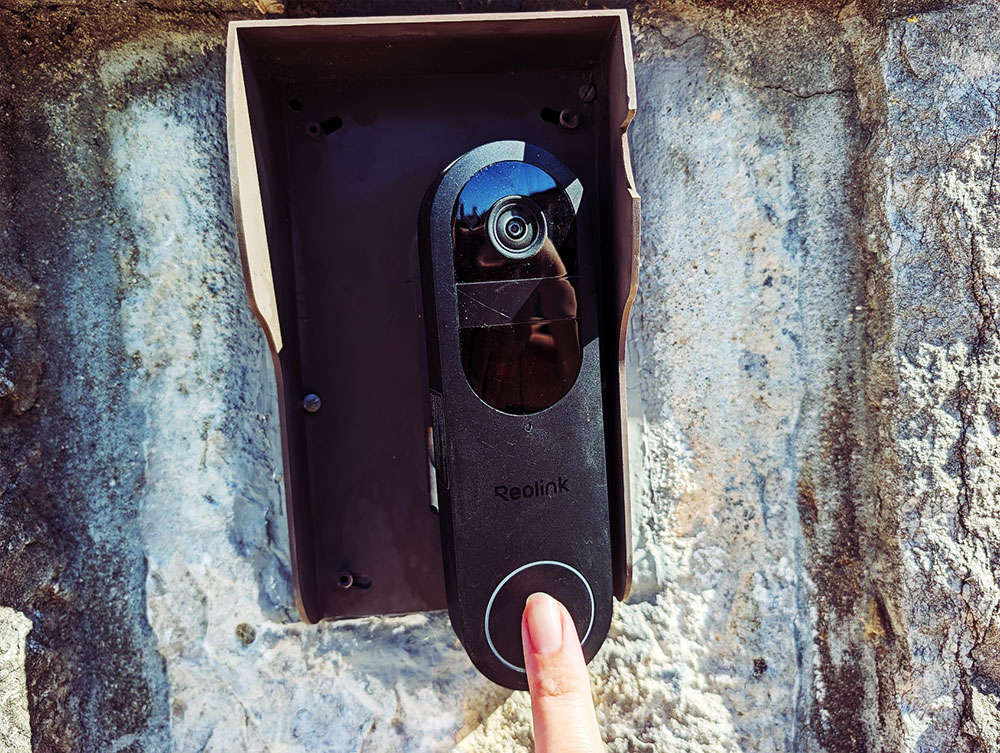
The sound is fantastic. Clear as day and you can easily hear what’s being said and they can hear you perfectly clearly as well. We’ve tested it out on both sides to make sure, and I do feel like it’s marginally better than the Gen 1 – but that also worked very well for years with no trouble, even after the fogging up of the camera, so that’s comforting.
The app notification takes a couple of seconds longer than the paired up indoor doorbell to notify you someone has pressed the button at the door. On slow days, it could be up to a 5 second delay, but it’s usually a lot faster than that. This is more immediate than the Gen 1 Doorbell, which seemed to regularly take 5-10 seconds to go off after our indoor doorbell notified us someone was at the gate.
We had to make sure push notifications were enabled to make sure we got the notifications pronto, and it’s a fairly quick one-and-done setup. I can’t remember if you have to fix up the set up per device (even when you’re logged into the same account), but I vaguely remember Thomas’ settings changes showing up on my end. Double check on additional devices just to be sure.
In full transparency – the only thing we still haven’t been able to work out is why the app is not allowing us to see recordings of the footage, although it should be. I have a feeling it’s recording, especially since I’ll see stills of the previous doorbell ring when I enter the app for a moment, before I see the live footage.
This was never a problem on the old 1st Gen Reolink doorbell, so I’m sure it’s a quick and simple fix (maybe the SD card we slotted in needs to be reformatted or something like that), but we haven’t gotten around to fixing this minor hiccup quite yet (again, because it’s doing what we need it to do right now).
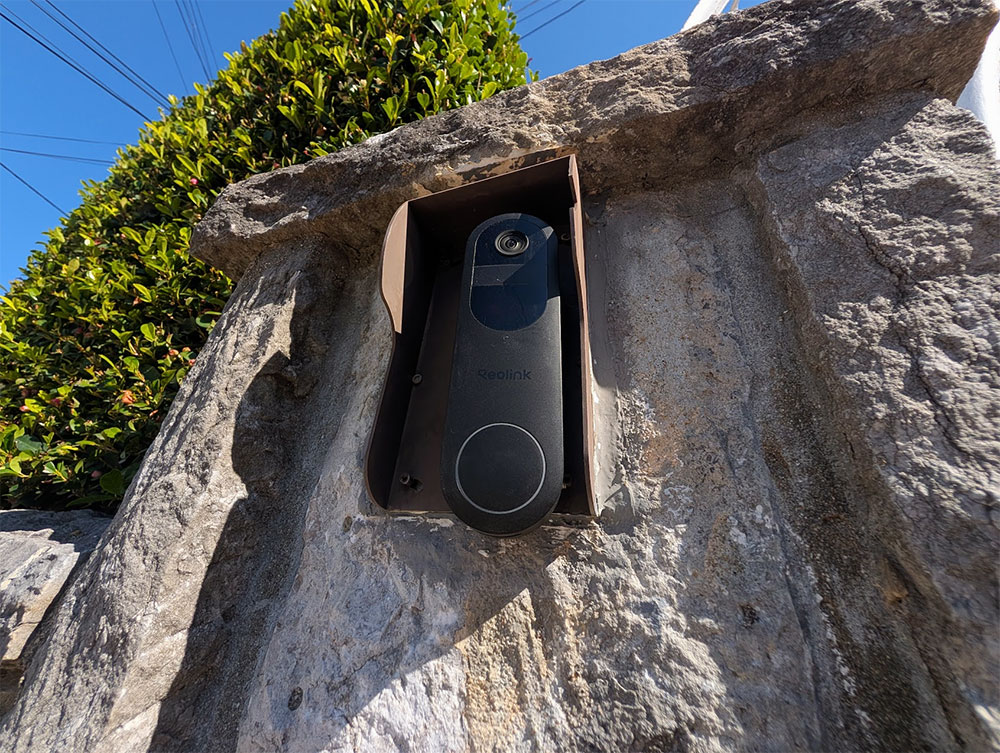
All in all, I’m stoked to finally have the fog gone, finally be able to see everything that happens by our front gate again, and have even more vision with that wide angle lens than I used to have on the 1st Gen Reolink doorbell.
It’s one of those things where once the set up and done, you can forget about it. So nice having the peace of mind and knowing it will just work – as intended.

Leave a Reply